
Alternatives to BlitzCut
Explore the best alternatives and competitors to BlitzCut.
Explore 20 alternatives to BlitzCut. Compare features, pricing, and find the best fit for your needs.

Raindance AI Video Generator
Turn two photos into the Raindance AI pier video with the soundtrack included

DanseAI - Alors on Danse AI Video Genera
Make the Alors on Danse AI meme video from two photos, soundtrack included
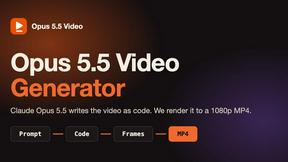
Opus 5.5 Video Generator
Turn a prompt into a 1080p motion-graphics MP4 planned and coded by Claude Opus 5.5

Rumpelstiltskin AI Video Generator
Make the viral Rumpelstiltskin tiptoe dance meme video from two photos
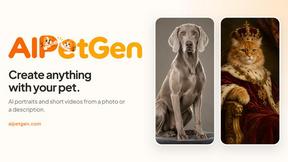
AIPetGen
AIPetGen turns a photo of your dog, cat, or other pet, or a written description, into a new picture or a short animation.

Hotel Lobby AI Video Generator
Turn two photos into a Hotel Lobby dance video in the orange A COLORS SHOW booth
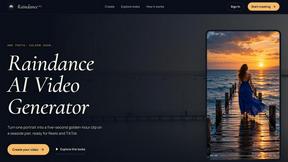
Raindance AI
Turn a single portrait into a cinematic five-second seaside video for TikTok, Reels, and Shorts.
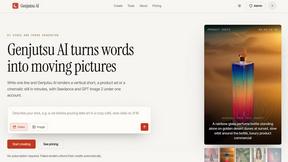
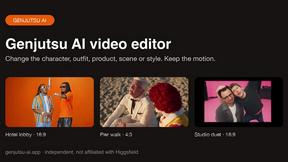
Genjutsu AI
Genjutsu AI turns your ideas into cinematic videos, product ads, social shorts, and high-quality images in minutes.
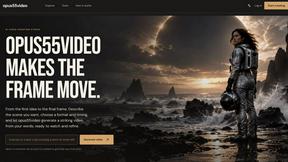
opus55video
Turn written ideas into cinematic motion by choosing a format and duration, then creating a striking video.
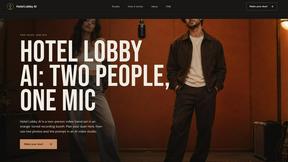
hotel-lobby
Two-person AI video concept in a warm orange recording booth with a natural call-and-response duet.
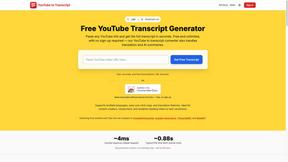
GetYouTubeTranscript
Free YouTube transcripts on the web, a Chrome extension, and an API + MCP server so AI assistants can read YouTube.
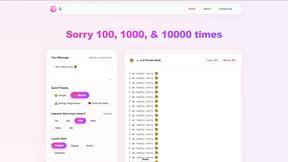
sorry text repeater
Free tool to copy-paste "sorry" text repeatedly. Pick a count, layout, and emojis — no sign-up needed.
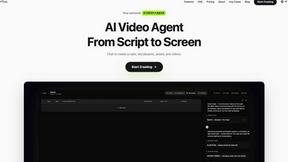
Pixo
Pixo is an AI video director that turns a prompt or script into a storyboard, consistent scenes, voiceover, and an edited final cut.

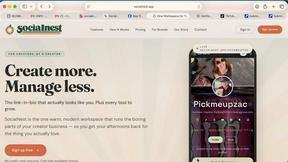



About BlitzCut Alternatives
BlitzCut is an AI-powered video editor designed to help content creators quickly produce social media videos by automating tedious tasks like silence removal, transcription, and subtitle creation. It belongs to the rapidly growing category of AI-driven content creation tools that prioritize speed and accessibility over complex, manual editing suites. Users often explore alternatives to find a solution that better fits their specific needs. Common reasons include budget constraints, the need for different feature sets like advanced color grading or multi-track editing, or compatibility with other platforms like Windows or Android. Some creators may require more granular control over the editing process than an automated tool provides. When evaluating alternatives, consider your primary workflow. Key factors include the core automation capabilities for cutting and captioning, overall processing speed, subscription pricing versus one-time purchase models, and platform availability. The ideal tool should match your technical comfort level, output quality requirements, and the pace at which you need to publish content.
FAQs about BlitzCut Alternatives
What is BlitzCut?
BlitzCut is an AI-powered video editor that automatically removes silences, transcribes speech, and burns styled subtitles to help creators make viral social media videos quickly.
Who is BlitzCut for?
BlitzCut is built for content creators, especially those focused on social media, who want to post daily and need to automate tedious editing tasks to save time.
What are the main features of BlitzCut?
Its main features are automatic silence removal, AI-generated captions with high accuracy, text-based editing from a transcript, and a mobile-first design for iPhone, iPad, and Mac.
Why choose BlitzCut?
Choose BlitzCut for its mission to make professional editing accessible and its 2-minute workflow that automates manual tasks, allowing creators to focus on creating content instead of editing it.