

About Genjutsu AI
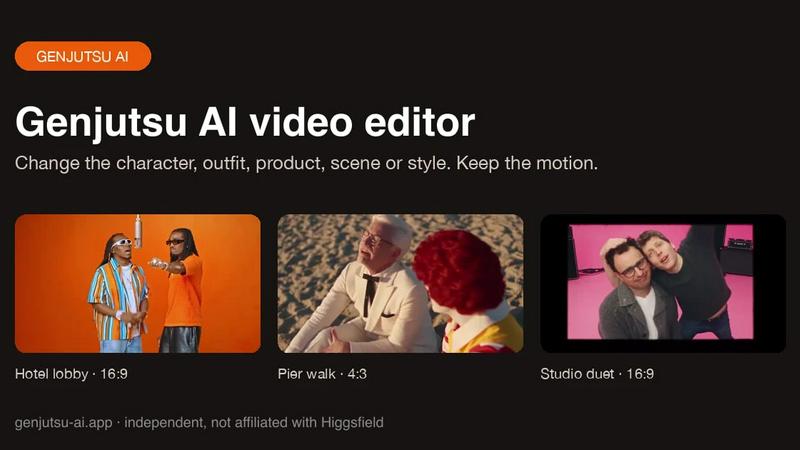
Genjutsu AI is a reference-guided video-to-video editor. Upload a clip, add up to nine reference images and describe the change to swap a character, outfit, product or background, or restyle the whole shot, while the original motion, camera movement and timing stay in place. Outputs 5-30 second MP4 at 480p-1080p with the source audio kept.
Similar to Genjutsu AI

Outstanding Tiny Desk AI
Upload photos of you and up to 4 friends and get a 15-second Outstanding Tiny Desk AI video with AI-generated sound, in 9:16 for TikTok and Reels.

Tip Toeing in My Jordans
Upload a photo and get a 12-second AI video of the Rumpelstiltskin tip toe meme starring you; a friend's photo can play the woman in the hay.


Crazy Frog AI
Turn 1–2 photos into the viral Crazy Frog invisible-moped chase video in seconds.

AIVideoAgent
Turn text ideas or reference images into videos through conversation, with agent-assisted prompts and a choice of video models.

GenX
All-in-one AI workspace to generate images, videos, and audio with multiple leading AI models.

FreeCreate
Create AI images from text or reference photos and turn prompts or still images into short videos with FreeCreate. Start free—no account needed.

YIX
AI image and video generation, photo editing, restoration and free prompt tools in one browser studio.