

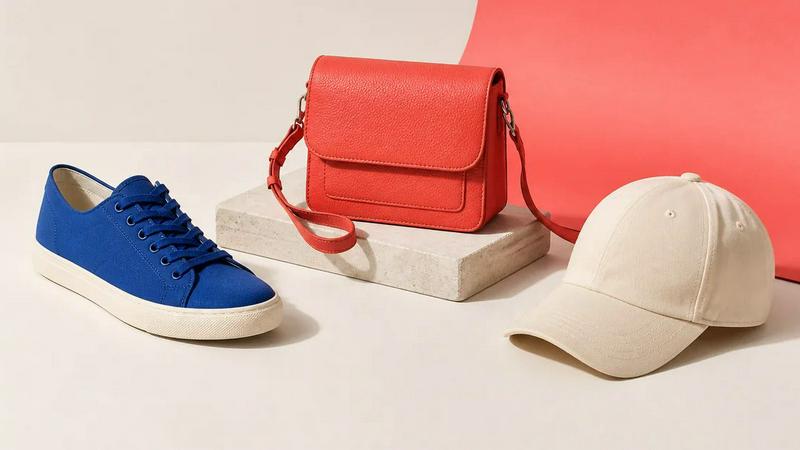
About Image to Layers AI
Turn any image into editable layers with AI. Upload a picture and get the subject, background, and objects as separate transparent PNG (RGBA) layers in about a minute. Works in any editor like Photoshop, Figma, or After Effects. Ideal for designers, motion artists, and developers who need quick, clean layer stacks without manual masking.
Explore more in this category:
Similar to Image to Layers AI

AppScreenshots
Create professional App Store and Google Play screenshots with 3D device frames, templates and batch export.

RemoveObjectFromPhoto
Remove unwanted objects, people, and text from photos with AI for clean, natural-looking results in seconds.

AI Object Remover
Browser-based AI photo cleanup: brush over people, objects, text or watermarks and AI rebuilds the background.

Adobe Alternatives
Explore open-source creative software by workflow, platform and development stage, with comparisons and official project links.

Qwen Image 2.1
Qwen Image 2.1 is an AI image-generation and editing studio for turning ideas into visuals. Create new images, refine references, explore transparent

ImageAgent
Create and edit AI images through conversation, using text or reference images and refining results in chat.

CloneWebsite
Clone any webpage pixel-perfect, export HTML/CSS/ZIP or React/Vue components.

GenX
All-in-one AI workspace to generate images, videos, and audio with multiple leading AI models.