
Alternatives to BRCKS
Explore the best alternatives and competitors to BRCKS.
Explore 20 alternatives to BRCKS. Compare features, pricing, and find the best fit for your needs.
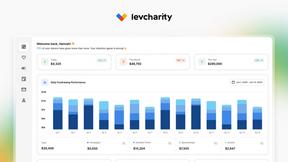
LevCharity
Fundraising and donor management platform helping nonprofits manage campaigns, events, donor relationships, and engagement in one place.

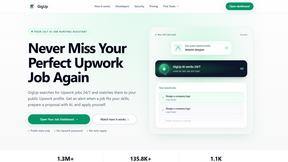
GigUp
GigUp helps freelancers discover relevant Upwork jobs through AI matching, automated monitoring, and instant alerts.

Safe Outreach
AI-powered platform that evaluates the safety of LinkedIn automation tools and helps reduce the risk of account restrictions.
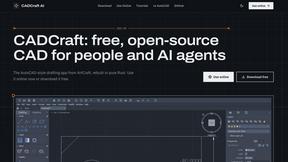
CADCraft
Free, open-source 2D CAD for precise drafting, technical design, and AI-assisted automation.
How Long How Many Tool
Timers and hourly checks to figure how out long until a certain time or how many days away.

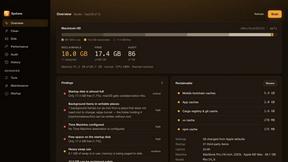
Systune
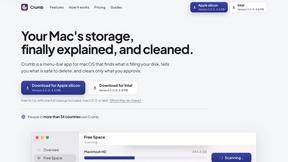
A Mac cleaner, security audit and macOS tuner in one app that shows every file before it removes anything
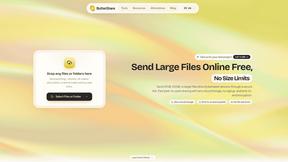
ButterShare
Realtime peer-to-peer file transfer in the browser. Send files directly between devices, no account and no upload to a server.
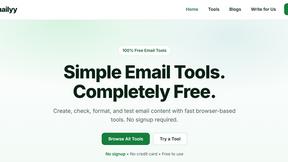
Emailyy
Free email tools for signatures, subject lines, HTML previews, word counts, and email headers. Browser-based, simple to use, and no signup required.
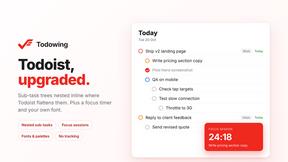
Todowing
Chrome extension that nests Todoist sub-tasks inline in Today, Upcoming, Filters and Labels. Free tier, or $19.99 once for everything.

Uniclip
Clip pages, take full-page screenshots and batch-capture list data to Notion, Feishu, Obsidian, Markdown, CSV or JSON.
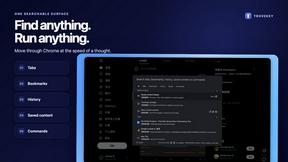
TroveKey
Search tabs, Chrome bookmarks and history, run browser commands, and save webpages and social posts locally—no account.
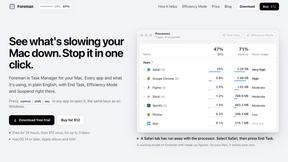
Foreman
See every app and what it's using in plain English, and end or slow down the one that's hogging your Mac.
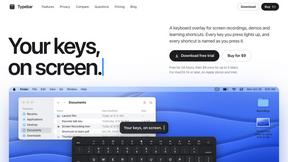
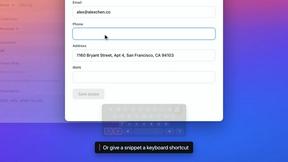
Typebar
Every key you press lights up on an on-screen keyboard, and each shortcut is named as you press it.

Notchpals
Little characters peek out of your Mac's notch to remind you to drink water, eat, sit up and get to bed. Quiet during calls. $4.99 once.

LightScreen
Free fullscreen light screen tool online. Turn any display into a flashlight, ambient light, or solid-color screen. No download or sign-up.
About BRCKS Alternatives
BRCKS is a specialized construction project management and communication platform designed to centralize the day-to-day chaos of residential building projects. It falls into the productivity and management software category, aiming to replace scattered emails, messaging apps, and documents with a single, organized hub for teams, trades, and homeowners. Users may explore alternatives for various reasons, including budget constraints, the need for different feature sets, or specific platform requirements like deeper accounting integration or suitability for larger commercial scales. The search often stems from a desire to find the perfect fit for a company's unique workflow and growth stage. When evaluating alternatives, key considerations should include core functionality for task and document management, ease of adoption for all project stakeholders, mobile accessibility for on-site use, and robust client communication tools. The ideal solution should not only organize information but actively improve collaboration and accountability across the entire construction process.
FAQs about BRCKS Alternatives
What is BRCKS?
BRCKS is construction project management and communication software built to keep project conversations, tasks, files, and photos in one centralized place.
Who is BRCKS for?
BRCKS is designed for residential builders, tradespeople, and homeowners involved in construction projects to improve site communication and organization.
What are the main features of BRCKS?
Its main features include centralized communication, task tracking, checklist management, and a shared space for files, photos, and meeting notes.
Why choose BRCKS?
BRCKS is chosen for its simple, practical design that aims to prevent information from getting lost across scattered emails, messages, and documents.