
Alternatives to Anime Maker
Explore the best alternatives and competitors to Anime Maker.
Explore 20 alternatives to Anime Maker. Compare features, pricing, and find the best fit for your needs.

AI Rap Video
Turn one photo into an AI rap video. Pick a stage and get a 9:16 video with an original song in minutes. 10 credits a video, packs from $4.99.
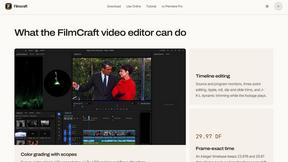
Filmcraft
Free, open-source video editor with a Premiere Pro-style workflow for desktop and browser editing.

My Tools Suite Pro
Discover the best free online tools with ToolSuite Pro. Explore AI, productivity, marketing, SEO, writing, business, and software tools in one place.
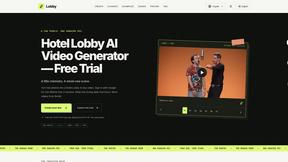
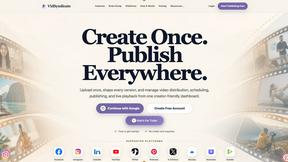
VidSyndicate
Publish videos to multiple social networks with VidSyndicate. Save time using AI-generated descriptions, smart scheduling, and automation.
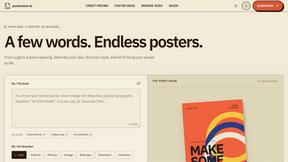
postersize ai
AI-powered poster creation and sizing platform for polished posters and practical print, social, and presentation formats.
White Screen Checker
Check your screen display for dead pixels using White screen or black screen checkers.
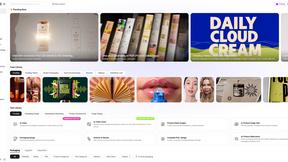
Rhinobird
AI video ads, UGC-style videos, and product visuals for cross-border sellers and e-commerce brands.

MyType FYI
Explore your visual type with ten free rounds of fictional faces, a base result and optional original portraits, posters or five-second videos.
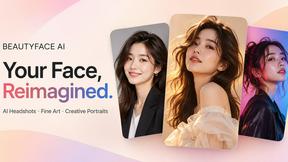
Beautyface
Beautyface AI is an AI Photoshoot Generator that turns your selfies into studio-quality photos, professional headshots, wedding portraits
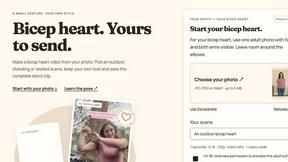
Bicep Heart
Turn one photo into a 7-second bicep heart video with outdoor, standing or seated scenes and a silent vertical MP4.
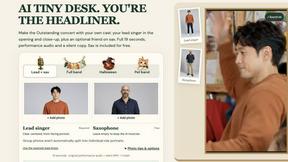
AI Tiny Desk
Make a 19-second desk-concert video with lead and sax, full band, Halloween or pet-band modes; audio and silent MP4.
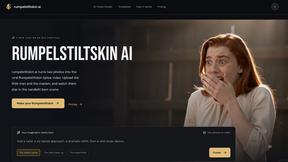
Rumpelstiltskin AI
Create short, playful fairytale videos from two fictional portraits with customizable scenes, motion, duration, framing, and AI-generated results.

Vikas Editor AI
AI photo and video creative studio for cinematic portraits, fashion edits, festive greetings, and visual concepts.
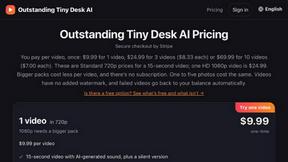
Outstanding Tiny Desk AI
Upload photos of you and up to 4 friends and get a 15-second Outstanding Tiny Desk AI video with AI-generated sound, in 9:16 for TikTok and Reels.

Tip Toeing in My Jordans
Upload a photo and get a 12-second AI video of the Rumpelstiltskin tip toe meme starring you; a friend's photo can play the woman in the hay.
PavoAI
PavoAI is an all-in-one AI video studio for text-to-video, image-to-video, editing, avatars, music, subtitles, and more.
AppScreenshots
Create professional App Store and Google Play screenshots with 3D device frames, templates and batch export.
RemoveObjectFromPhoto
Remove unwanted objects, people, and text from photos with AI for clean, natural-looking results in seconds.

Crazy Frog AI
Turn 1–2 photos into the viral Crazy Frog invisible-moped chase video in seconds.
About Anime Maker Alternatives
The landscape of digital creativity is vast and continuously evolving, and Anime Maker sits squarely at the intersection of content creation, design tools, and AI-driven video generation. As a specialized platform, it allows users to transform text prompts and photographs into stylized anime imagery, original characters, logos, filters, and even dynamic image-to-video concepts. While this tool offers a powerful, browser-based workflow for artists, game teams, marketers, and fans, users often begin searching for alternatives for a variety of practical reasons. These motivations can include seeking different pricing structures, desiring a broader or more specific set of features like advanced 3D rendering or real-time collaboration, requiring compatibility with different operating systems or mobile devices, or simply wanting to explore a user interface that feels more intuitive for their particular creative process. When evaluating other options in this category, it is essential to look beyond surface-level similarities and focus on the core value each platform provides to your specific workflow. Key considerations include the quality and consistency of the AI’s output, particularly in preserving the distinct aesthetic of anime while handling complex details like hands, eyes, and dynamic poses. You should also examine the breadth of generation modes available—whether you need robust text-to-image, image-to-image, or video capabilities—and the flexibility of export options for professional use. Furthermore, consider the platform’s community support, update frequency, and the overall cost-to-value ratio, ensuring that the alternative you choose aligns with your technical requirements, budget constraints, and long-term creative goals.
FAQs about Anime Maker Alternatives
What is Anime Maker?
Anime Maker is an AI-powered creative platform designed to generate anime-style images, original characters, logos, filters, and image-to-video concepts. It functions as a focused browser-based workflow that allows artists, creators, and marketers to turn text prompts and photos into stylized, export-ready results. The platform leverages multiple generation modes to help users explore visual ideas quickly without requiring advanced drawing skills.
Who is Anime Maker for?
Anime Maker is built for a broad audience including artists, content creators, game development teams, marketers, and anime fans. It serves professionals who need rapid concept visualization for projects, as well as hobbyists looking to generate unique avatars or stylized filters. The platform is particularly useful for anyone who wants to experiment with anime aesthetics without needing traditional illustration expertise.
Is Anime Maker free?
The provided content does not specify whether Anime Maker is free or offers a paid tier. Typically, platforms in this category offer a freemium model with limited daily generations or basic features, with subscription plans unlocking higher resolution outputs, faster processing, or commercial usage rights. Users should check the official website for the most accurate and current pricing information.
What are the main features of Anime Maker?
Anime Maker’s main features include text-to-image generation for creating anime scenes and characters, photo-to-anime conversion for stylizing real images, and the ability to design original characters, logos, and custom filters. It also offers an image-to-video concept mode that animates static visuals. The platform is optimized for a browser workflow, providing multiple generation modes and export-ready results for creative projects.