

SupaSidebar
SupaSidebar is a Mac menubar app that saves and organizes your links, files, and folders for instant access anywhere.
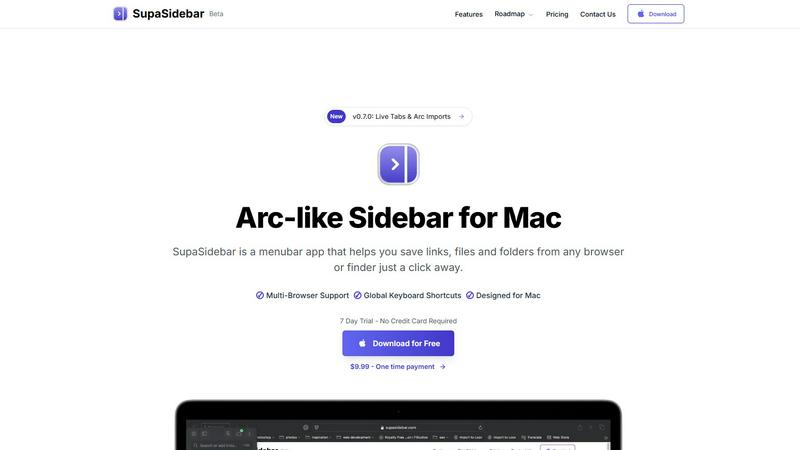
About SupaSidebar
SupaSidebar is a revolutionary productivity application designed exclusively for macOS users. It serves as an elegantly crafted Arc-inspired sidebar that integrates seamlessly into your menu bar, allowing for instant, organized access to your most vital links, files, folders, and applications. In an age where digital resources are often scattered across numerous browsers and applications, SupaSidebar addresses the issue of digital fragmentation by consolidating everything into a single, cohesive hub. It is tailored for professionals, researchers, creators, and anyone who juggles multiple tasks on their Mac, enabling them to minimize context-switching and enhance their focus. The primary value proposition of SupaSidebar lies in its ability to provide a frictionless experience for saving, finding, and opening digital items through intelligent organization, universal search, and smooth multi-browser support. It maintains a lightweight, native macOS feel that ensures it stays out of your way until you need it, ultimately helping users stay organized, navigate faster, and sustain deep work flow.
Features of SupaSidebar
Instant Access
SupaSidebar allows users to save links, files, and folders from any browser or Finder with just a click. This feature eliminates the need to switch between multiple applications, providing a streamlined experience for managing digital resources.
Global Keyboard Shortcuts
The app includes customizable global keyboard shortcuts that enable users to quickly save or copy URLs and find any file, folder, website, or app instantly. This feature enhances productivity by allowing for rapid navigation without disrupting the workflow.
Recent Tracking
With a built-in recent tracking feature, SupaSidebar monitors every website you've accessed in the last 48 hours. This ensures that users can quickly revisit their recent activities without the hassle of searching through browser history.
Pinned Favorites
SupaSidebar allows users to pin their favorite links, files, and folders at the top of the sidebar for quick access. This feature is particularly beneficial for those who frequently use certain resources, reducing the time spent searching for them.
Use Cases of SupaSidebar
Streamlining Research
Researchers can utilize SupaSidebar to collect and organize links to academic papers, articles, and multimedia resources, all in one accessible location. This centralization aids in efficient information retrieval during the research process.
Enhancing Creative Workflows
Creators can benefit from SupaSidebar by saving links to inspiration sources, project files, and apps they use frequently. The ability to pin essential resources allows for a more focused and productive creative environment.
Managing Personal Projects
Individuals managing personal projects can use SupaSidebar to keep track of essential documents, to-do lists, and web resources. The sidebar serves as a visual reminder of ongoing tasks and important deadlines.
Improving Team Collaboration
For teams collaborating on projects, SupaSidebar can facilitate easy sharing of links and resources. Team members can quickly access shared files and important websites, enhancing communication and productivity.
Frequently Asked Questions
Is SupaSidebar a browser extension?
No, SupaSidebar is a standalone menubar application designed for macOS. It works independently of browsers while supporting all major browsers for seamless integration.
Which browsers does SupaSidebar work with?
SupaSidebar supports all major browsers, including Safari, Chrome, Firefox, and Arc. This ensures that users can save and access links regardless of their preferred browsing environment.
What macOS version do I need?
SupaSidebar requires macOS 13 or higher to function properly. Users should ensure their operating system is updated to meet this requirement before installation.
Where is my data stored?
All data handled by SupaSidebar remains on your Mac. The application does not store any personal information on external servers, ensuring user privacy and data security.
Pricing of SupaSidebar
SupaSidebar offers a variety of pricing plans to cater to different user needs. The Free Forever plan allows users to access essential features without any cost, while the Pro plan, available for $19.99 monthly or $13.99 yearly, provides unlimited spaces and priority support. For those looking for a one-time purchase option, the Lifetime plan is offered at $49.99, providing unlimited access without recurring fees. All plans come with a 14-day money-back guarantee, ensuring users can try the product risk-free. Additionally, a student discount of 50% is available for verified students.
Explore more in this category:
Similar to SupaSidebar


PerPageFax
PerPageFax lets you send a fax online from any browser for a flat $0.50 per page — no account, no subscription, no fax machine.

OctoWatch DLP
Track staff & time. Free trial. Cloud/on-prem.

calculate.at
calculate.at is a free online calculator hub — 290+ tools for finance, health, math, and conversions, no signup needed.

Fill PDF from Sheet
Fill PDF from Sheet automates the process of populating PDF forms from data in Excel, CSV, or Google Sheets.

linkwise.link
AI finds your lost links. Summarizes & tags URLs.

Glanced
Follow news, blogs, newsletters, and podcasts in a free RSS reader, with AI summaries, top stories, full-text search, saved searches, and a catalog.