
securememo.app
Securememo.app offers a privacy-focused memo service with client-side encryption, ensuring your notes remain truly se...
About securememo.app
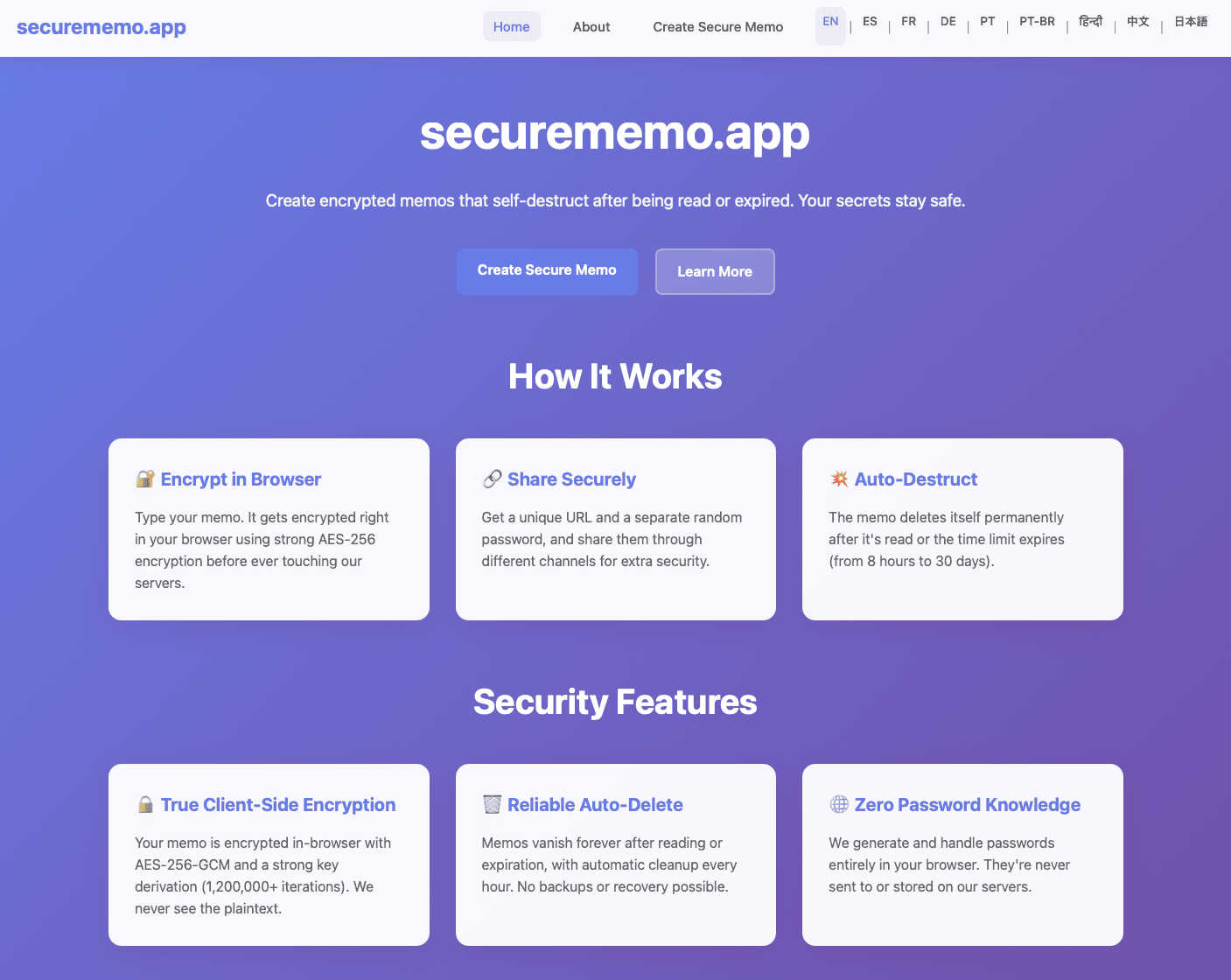
Securememo.app is a cutting-edge memo service designed with a strong emphasis on privacy and security for individuals and organizations seeking to protect their sensitive information. By enabling users to create and share encrypted, self-destructing notes directly from any web browser, Securememo.app prioritizes confidentiality in an increasingly digital world. The platform employs client-side encryption, ensuring that all data is encrypted within the user's browser before it ever reaches the servers, making it completely inaccessible to unauthorized parties. Ideal for anyone needing to share private information—such as passwords, personal notes, or confidential work-related data—Securememo.app offers a seamless experience without the need for user accounts, enhancing anonymity and ease of use. With support for over 20 languages, it caters to a diverse global audience, allowing users to communicate securely in their preferred language. This combination of advanced security features and user-friendly design establishes Securememo.app as a vital tool for anyone concerned about data privacy.
Features of securememo.app
Client-Side Encryption
Securememo.app utilizes client-side encryption to protect your notes before they leave your browser. This means that only you can access your data, as it is encrypted on your device, ensuring that even the service provider cannot read your content.
Self-Destructing Notes
The self-destructing notes feature allows users to create memos that automatically delete themselves after being viewed. This ensures that sensitive information does not linger longer than necessary, minimizing the risk of unauthorized access.
Unique Link and Password Generation
When sharing a memo, users can generate a unique link paired with a strong, randomly created password. This adds an extra layer of security, as the password is generated on your device and never transmitted to Securememo.app, maintaining complete confidentiality.
No Account Required
Securememo.app does not require users to create an account, prioritizing user anonymity and simplifying the process. This feature makes it incredibly easy for anyone to start using the service without the burden of remembering login credentials.
Use Cases of securememo.app
Sharing Sensitive Information
Individuals can use Securememo.app to share sensitive information, such as financial records or personal details, without the fear of interception. The self-destructing feature ensures that shared data is only accessible for a limited time.
Business Communication
Businesses can utilize Securememo.app to communicate confidential strategies or proprietary information among team members. The secure sharing of notes helps protect intellectual property from potential leaks.
Temporary Note Storage
For users who need a temporary storage solution for notes, Securememo.app provides a way to jot down ideas or reminders that are not meant to be stored long-term. This is especially useful for brainstorming sessions or project planning.
Secure Password Sharing
Users can securely share passwords and login information with colleagues or friends. By utilizing the unique link and password generation feature, they can ensure that access is tightly controlled and monitored.
Frequently Asked Questions
How does Securememo.app ensure the privacy of my notes?
Securememo.app ensures privacy through client-side encryption, meaning your notes are encrypted on your device before they reach the servers, making them inaccessible to anyone but you.
Can I recover my notes after they self-destruct?
No, once a note self-destructs, it cannot be recovered. This feature is designed to enhance security by ensuring that sensitive information does not remain available after it has been viewed.
Is there a limit to how many notes I can create?
Securememo.app does not impose specific limits on the number of notes you can create. Users can generate as many notes as necessary, provided they adhere to the service's privacy and security guidelines.
Can I share notes with multiple users?
Yes, you can share notes with multiple users by generating unique links and passwords for each recipient. This feature allows you to control who has access to your sensitive information.
Explore more in this category:
Similar to securememo.app

AI Email Filter
AI Email Filter sorts incoming mail into folders using plain-language prompts you write. Works with any IMAP mailbox; bring your own LLM if you want.

Egmatic
No-code 2D game editor: visual node logic, drag-and-drop scenes, live preview. Exports to Windows, macOS, Linux, Android, iOS, Web.

Product Launch Checklist
A free launch checklist for SaaS, apps, AI tools and more. Every step says why it matters and when you can skip it.

Kody Tools
Free collection of online developer utilities, code formatters, and digital converters designed to streamline your daily workflow.

Forms Plugin
The #1 Native Form Builder Plugin for Framer - No Code, No Embeds, No External Platforms.


