
Alternatives to StreamVox - AI Live Translator
Explore the best alternatives and competitors to StreamVox - AI Live Translator.
Explore 20 alternatives to StreamVox - AI Live Translator. Compare features, pricing, and find the best fit for your needs.

ButterShare
Realtime peer-to-peer file transfer in the browser. Send files directly between devices, no account and no upload to a server.

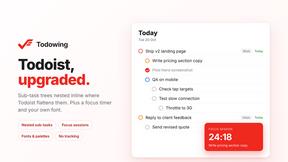
Todowing
Chrome extension that nests Todoist sub-tasks inline in Today, Upcoming, Filters and Labels. Free tier, or $19.99 once for everything.
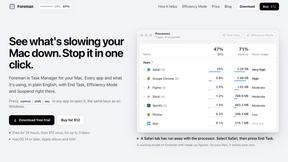
Foreman
See every app and what it's using in plain English, and end or slow down the one that's hogging your Mac.

Notchpals
Little characters peek out of your Mac's notch to remind you to drink water, eat, sit up and get to bed. Quiet during calls. $4.99 once.

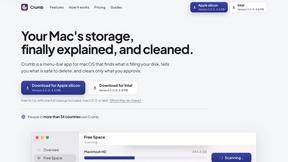
Crumb
A Mac menu bar app for a full disk. See what is using your space, read whether it comes back on its own, and remove only what you tick.
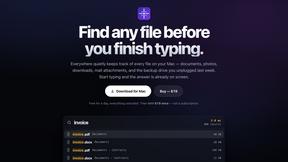
Everywhere
Fast file search for the Mac. Results as you type, files inside Mail and Photos, works with Wi-Fi off. $19 once.
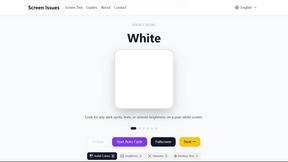
Screen Issues
Free Online Screen Test Tool - Instantly diagnose dead pixels, lines, color issues, and flickering. Multiple test modes, no download needed.

Basalt
Eighteen PDF tools in one native Mac window: merge, split, compress, OCR, Bates numbering, forms, signing and redaction. Offline. $29 once.
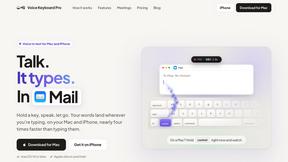
Voice Keyboard Pro
Hold a key, say what you mean, let go. Clean, punctuated text lands at the cursor in any app on your Mac or iPhone.

Mainspring
Mainspring turns the settings macOS hides into 90+ one-click, fully reversible power-ups for Finder, Dock, screenshots and more. $29 once.
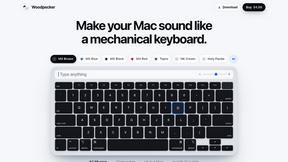
Woodpecker
Make your Mac sound like a real mechanical keyboard. Every key plays its own recording, 22 switches, quiet on calls. $4.99 once.

Inkling
Catch a thought without leaving what you are doing. Notes, checklists and a little companion in your Mac's notch. $12 once.
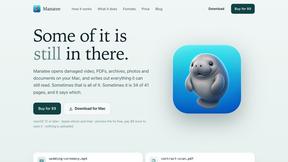
Manatee
A Mac app that opens damaged video, PDFs, archives and documents and writes out everything it can still read. $9 once, no uploads.
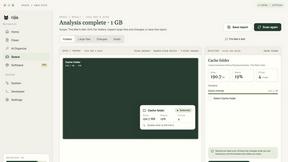
Nijia
Mac storage analysis and cleanup app with a full-featured 7-day free trial. No payment card required.


gamespadtesterpro.com
Gamepad Tester Pro makes it easy to check whether your controller is working properly directly from your browser. Test compatible PS5, PS4, Xbox, Nint
About StreamVox - AI Live Translator Alternatives
StreamVox - AI Live Translator is a specialized software application that provides real-time AI-powered subtitles and translation for audio on a Windows PC. It operates within the category of communication and accessibility tools, designed to bridge language gaps during live calls, gaming sessions, media playback, and streaming by overlaying translated text directly onto the screen. Users often explore alternatives for various practical reasons. These can include budget constraints, the need for support on different operating systems like macOS or Linux, or specific feature requirements not covered by a single solution. Some may seek different pricing models, a distinct user interface, or integration with other workplace or creative software ecosystems. When evaluating other options, key considerations should include the range of supported languages, the accuracy and speed of translation, the flexibility of audio source capture, and the customization of the subtitle display. It's also wise to assess the software's impact on system performance, its privacy policy regarding audio data, and the overall value proposition of its free and paid tiers.
FAQs about StreamVox - AI Live Translator Alternatives
What is StreamVox - AI Live Translator?
StreamVox is a Windows software that uses AI to generate live subtitles and instant translations for any audio on your PC, including calls, games, streams, and videos.
Is StreamVox - AI Live Translator free?
Yes, it offers a free Starter plan with 20 minutes of translation per day, alongside paid Pro, Pro+, and Unlimited tiers for higher usage limits.
What are the main features of StreamVox - AI Live Translator?
Key features include translation for 49+ languages, per-app audio capture, transparent overlay display modes, Phone Link integration, and a teleprompter mode.
Who is StreamVox - AI Live Translator for?
It is ideal for gamers, streamers, remote workers, students, and anyone who needs real-time translation for multilingual communication or media consumption on Windows.