

SVG to 3D
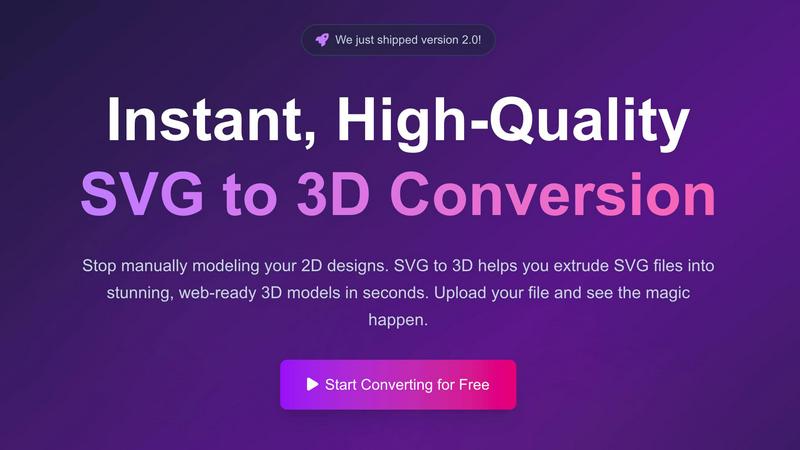
Transform your 2D SVG designs into stunning, web-ready 3D models in seconds with SVG to 3D's advanced conversion tool.
About SVG to 3D
SVG to 3D is an innovative online tool designed to effortlessly convert 2D SVG vector graphics into stunning 3D models. The product aims to address a common challenge faced by designers, developers, and 3D printing enthusiasts: the need for a quick, user-friendly solution to transform flat designs into dynamic three-dimensional representations. With SVG to 3D, users can bypass the complexities of heavyweight software like Blender or Cinema 4D, making the design process more accessible and efficient. This tool is ideal for professionals looking to elevate their web projects with interactive 3D elements, create prototypes for 3D printing, or enhance UI/UX designs with depth. The primary value proposition lies in its ability to deliver high-quality outputs in seconds, all while providing advanced features that maintain the integrity and aesthetics of the original design.
Features of SVG to 3D
One-Click to GLB for the Web
This feature allows users to export their 3D models as GLB files, optimized specifically for web applications. Developers can seamlessly integrate these models into Three.js or React Three Fiber projects, enhancing their websites with immersive 3D elements in just one click.
3D-Print Ready
SVG to 3D supports direct STL exports, ensuring that your 3D models are ready for 3D printing. This means users can take their designs from the screen to the physical world without needing complex CAD software, streamlining the fabrication process.
Advanced Material System
The tool offers a sophisticated material system that allows users to apply realistic PBR materials, custom textures, and professional lighting effects to their 3D models. This feature ensures that creations not only look great but also maintain a professional quality that stands out.
Lightning-Fast Processing
With optimized algorithms, SVG to 3D converts your SVG files into 3D models within seconds. This speed is crucial for users who require quick turnaround times, allowing them to focus on creativity rather than waiting for lengthy rendering processes.
Use Cases of SVG to 3D
Create Interactive 3D Logos and Icons for Web
Web developers can leverage SVG to 3D to transform 2D logos and icons into engaging 3D models. This capability enhances the visual appeal of websites and can lead to improved user interactions, making brands more memorable.
From Digital Design to Physical Object
Designers can use this tool to convert their 2D designs into STL files that are ready for 3D printing. This use case is perfect for creating prototypes, custom parts, or artistic pieces without the hassle of traditional modeling software.
Enhance Your UI/UX Designs
UI/UX designers can elevate their presentations by adding depth to their mockups. By converting SVG assets into 3D models, they can create more engaging and visually appealing designs, impressing clients and stakeholders alike.
Rapid Prototyping for Product Development
SVG to 3D allows product developers to quickly create prototypes from their digital designs. This feature accelerates the iteration process, enabling teams to test and refine their concepts efficiently before moving to production.
Frequently Asked Questions
How do I convert my SVG file into a 3D model?
To convert your SVG file, simply upload it to the SVG to 3D platform, adjust the desired 3D settings such as thickness and bevels, and then download your finished model in your preferred format.
What file formats can I export my 3D models to?
SVG to 3D allows you to export your models in multiple formats, including GLB, GLTF, OBJ, and STL, ensuring compatibility with various applications and 3D printing workflows.
Is my data secure while using SVG to 3D?
Yes, SVG to 3D prioritizes user privacy and security. Files are processed locally in your browser whenever possible, meaning that your designs remain private and are not uploaded to external servers.
Can I use SVG to 3D for commercial projects?
Absolutely! SVG to 3D is designed for both personal and commercial use. You can create and sell products derived from your 3D models without any restrictions, making it a versatile tool for professionals.
Similar to SVG to 3D


amaze.directory
Find an AI tool by the job you need done, not the buzzword.

benchmark.directory
A working index of AI tools. We record what each one costs, what it connects to, and exactly where it stops being useful.

saasgrow.ai
No sponsored slots, no paid placement. Just SaaS growth tools that passed screening, sorted into categories you can browse.

Tools Network
Tools Network is a curated directory that brings the internet's best AI tools together in one organized, easy-to-navigate place.


Built2Win AI Indexing
AI‑ready websites, WebAgentScan SaaS, and Indexing Pack. MCP, A2A, llms.txt — hand‑coded PHP, complete ownership, flat‑fee, free quote.

SnapPChart
SnapPChart grades a trading chart screenshot A+ to F, with an entry, stop, targets, and risk/reward. Works on stocks, forex, crypto, futures.