

MindMap AI
MindMap AI effortlessly transforms your ideas and documents into dynamic, editable mind maps for enhanced creativity.
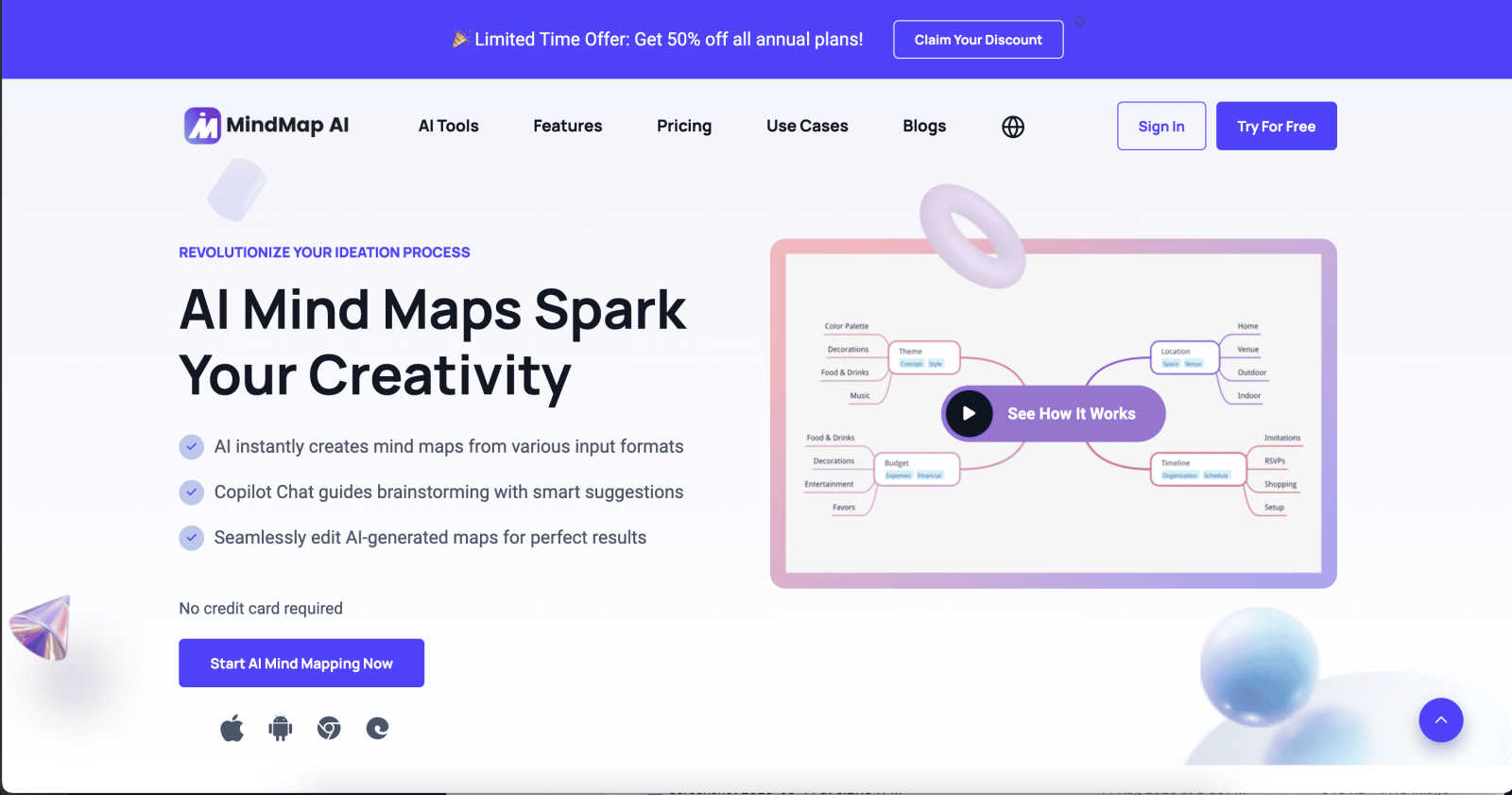
About MindMap AI
MindMap AI represents a revolutionary advancement in visual thinking and knowledge organization, tailored for modern professionals, teams, and organizations. This AI-powered mind mapping tool enables users to transform unstructured information—including text, documents, PDFs, presentations, images, and audio/video recordings—into structured, interactive visual maps. By facilitating the journey from chaos to actionable clarity, it enhances productivity and collaborative ideation within corporate settings. With the AI Co-Pilot feature, users can engage in conversations with their maps, ask questions, and uncover hidden connections while refining strategies in real-time. This software's versatility makes it ideal for project planning, synthesizing meeting knowledge, aligning team strategies, and analyzing complex research. Its multi-platform accessibility and various export formats empower individuals and teams to convert complexity into coherent workflows, fundamentally improving how knowledge is captured, connected, and acted upon.
Features of MindMap AI
AI Thinking Mode for Accuracy
MindMap AI utilizes a sophisticated step-by-step reasoning engine that comprehends context, hierarchy, and relationships, ensuring every generated mind map is structured, meaningful, and accurate from the outset. This feature eliminates the randomness often associated with mind mapping, enabling users to focus on generating coherent ideas.
File-to-Map Conversion
With the capability to instantly transform diverse content formats—such as text, PDFs, images, audio, and more—into clean, visually appealing mind maps, MindMap AI accelerates the creative process. Users can bypass the tedious task of manually formatting and can instead jump directly into thinking, planning, and creating.
Continuous Editing
MindMap AI offers reliable co-editing capabilities, allowing users to build mind maps manually or with the assistance of AI. This flexibility enables users to expand, summarize, reorganize, and style their maps effortlessly while maintaining full control over the final output, ensuring their vision is reflected accurately.
Flexible Layouts
Users can toggle between multiple chart views, including Mind Map, Org Chart, and Logic Chart, without losing structure. This feature allows for an exploration of ideas from various perspectives, enhancing the understanding and presentation of complex concepts while saving time on reformatting.
Use Cases of MindMap AI
Project Planning
MindMap AI is ideal for planning complex projects, enabling teams to visualize tasks, identify dependencies, and streamline workflows. By converting project details into interactive mind maps, stakeholders can align on objectives and track progress more effectively.
Meeting Knowledge Capture
During meetings, MindMap AI can facilitate the capture and synthesis of discussions. By transforming meeting notes into structured mind maps, teams can ensure that key points and action items are clearly visualized and easily accessible for future reference.
Strategic Alignment
Teams can leverage MindMap AI to map out organizational strategies and align initiatives. By visualizing goals, resources, and timelines, organizations can enhance collaboration and focus on shared objectives, leading to more effective execution.
Research Analysis
MindMap AI empowers researchers to analyze dense information by structuring complex data into manageable mind maps. This feature allows for the identification of relationships between concepts, making it easier to draw conclusions and present findings clearly.
Frequently Asked Questions
What platforms does MindMap AI support?
MindMap AI is accessible across multiple platforms, including web and mobile applications, ensuring users can create and edit mind maps anytime, anywhere.
Can I collaborate with others on MindMap AI?
Yes, MindMap AI allows for real-time collaboration, enabling multiple users to co-edit mind maps simultaneously while preserving individual contributions and layouts.
Is there a limit to the number of mind maps I can create?
MindMap AI offers a generous allowance of 50 free credits monthly, providing users with ample opportunities to create and explore various mind maps without requiring a credit card.
How does the AI Co-Pilot enhance the mind mapping experience?
The AI Co-Pilot allows users to interact with their mind maps through conversation, facilitating idea refinement, the discovery of connections, and dynamic strategy development, enhancing overall productivity and creativity.
Explore more in this category:
Similar to MindMap AI

JevModel
Bilingual Jev decision workbench with original guides for structured, AI-assisted decisions.

Novastart
Apps and files on an infinite canvas where people and AI agents work together.

AI Email Filter
AI Email Filter sorts incoming mail into folders using plain-language prompts you write. Works with any IMAP mailbox; bring your own LLM if you want.

Wordy
Learn languages with real movie and TV show clips.

Egmatic
No-code 2D game editor: visual node logic, drag-and-drop scenes, live preview. Exports to Windows, macOS, Linux, Android, iOS, Web.

Product Launch Checklist
A free launch checklist for SaaS, apps, AI tools and more. Every step says why it matters and when you can skip it.

Kody Tools
Free collection of online developer utilities, code formatters, and digital converters designed to streamline your daily workflow.

Name Wheel Pro
NameWheelPro turns any decision into a spin. Random name picker, number wheel, color wheel, and yes/no spinner — all free.