
Fallom vs TrafficClaw
Side-by-side comparison to help you choose the right tool.

Fallom provides complete observability and control for your AI agents and LLM applications.
Last updated: February 28, 2026

TrafficClaw
Talk to your SEO & Analytics data - it finally talks back
Visual Comparison
Fallom
TrafficClaw
Overview
About Fallom
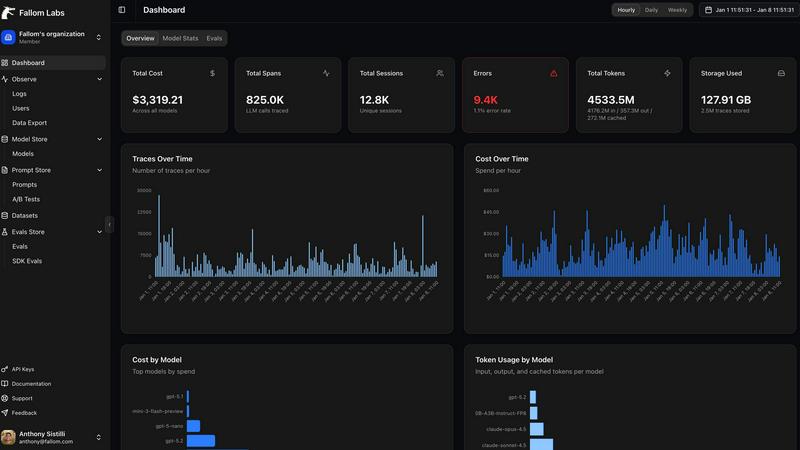
Fallom is the definitive AI-native observability platform engineered for the complex realities of production-level large language model (LLM) and AI agent workloads. As artificial intelligence transitions from experimental prototypes to being deeply integrated into core business operations, the need for comprehensive visibility and control becomes paramount. Fallom answers this critical need by providing engineering, product, and compliance teams with the tools required to operate with confidence. It transcends basic logging by offering end-to-end tracing for every LLM interaction, capturing a complete picture that includes the full prompt, the generated output, every tool and function call, token usage, latency metrics, and precise per-call cost data. This granular insight is indispensable for debugging intricate, multi-step agentic workflows, optimizing performance for speed and cost, and governing unpredictable AI spend. Built on the open standard of OpenTelemetry, Fallom ensures teams are never locked into a proprietary ecosystem, offering a unified SDK for instrumentation in minutes. Designed for enterprise scale and rigor, it provides not just technical observability but also the session-level context, detailed audit trails, model versioning, and user consent tracking necessary to meet stringent compliance standards like the EU AI Act, SOC 2, and GDPR. Fallom empowers organizations to build, deploy, and scale reliable, governable, and cost-effective AI applications.
About TrafficClaw
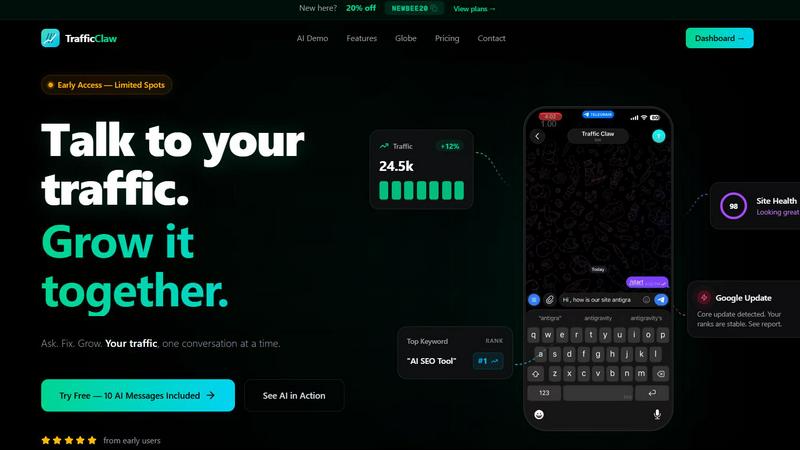
Your traffic dropped. Google Analytics says nothing useful. Search Console shows graphs. Cool. Now what? TrafficClaw lets you just ask - "Why did my traffic drop?" and actually get an answer. Backed by your real data, not some generic blog post advice. Connect GA4 + Search Console. Ask questions. Get fixes. That's it.