
DR Checker vs TrafficClaw
Side-by-side comparison to help you choose the right tool.

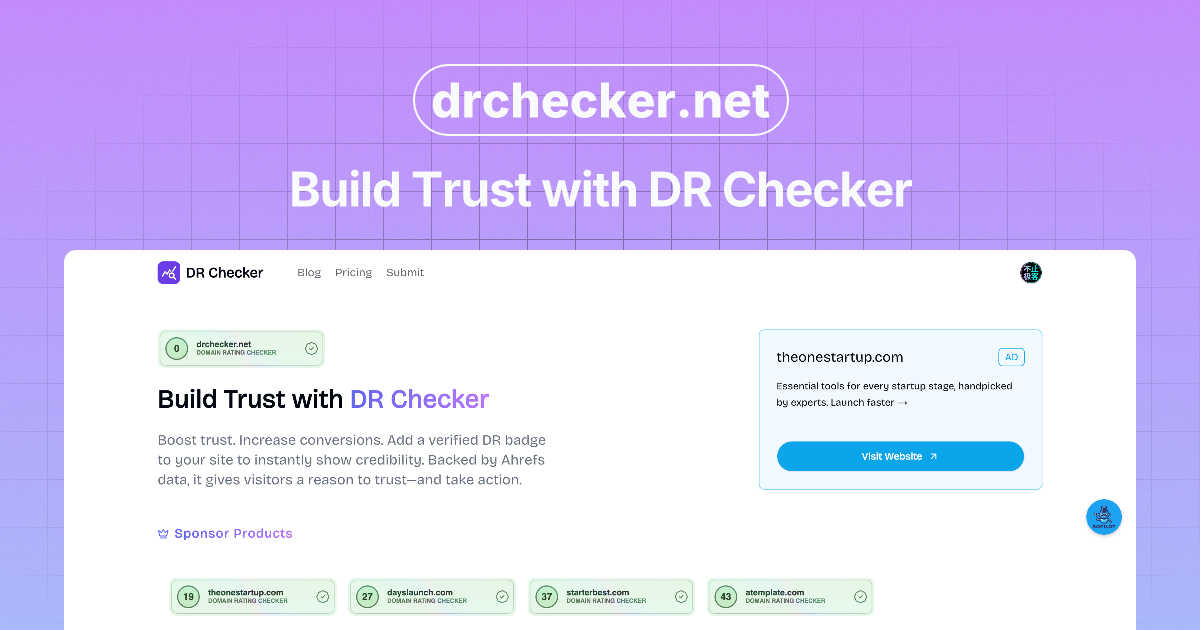
Enhance your credibility and build trust effortlessly with DR Checker’s reliable verification tools.

TrafficClaw
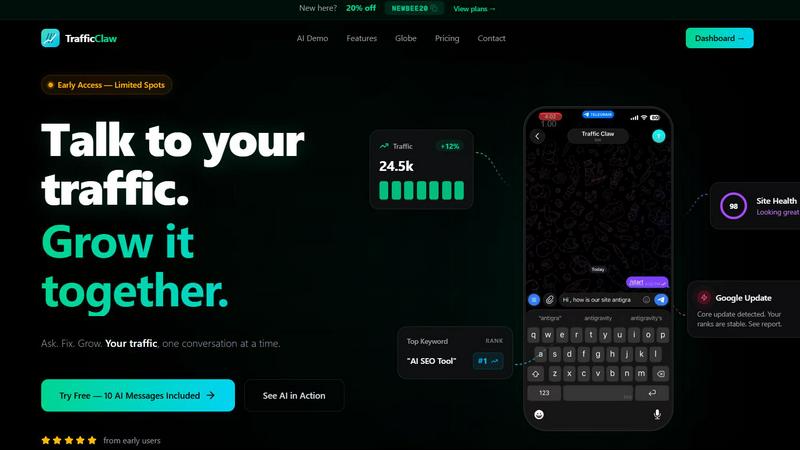
TrafficClaw transforms your SEO and analytics data into actionable insights through intuitive conversations, empowering you to grow your traffic.
Last updated: April 13, 2026
Visual Comparison
DR Checker
TrafficClaw
Feature Comparison
DR Checker
Advanced Link Scanning
DR Checker employs sophisticated crawling technology to perform in-depth scans of websites, detecting broken links and invalid URLs with precision. This feature provides users with a clear understanding of their site's link health.
Comprehensive Reporting
Users receive detailed reports highlighting various issues, including 404 errors and links to expired or malicious domains. These reports are designed to help users prioritize fixes based on the severity and impact of the detected problems.
User-Friendly Interface
The platform is designed with an intuitive interface that simplifies website maintenance. With easy navigation and clear instructions, even users without technical expertise can effectively utilize DR Checker to enhance their websites.
Scheduled Scans
To ensure ongoing website health, DR Checker offers the ability to schedule regular scans. This feature allows users to automatically check for broken links and other issues, ensuring their site remains optimized and secure over time.
TrafficClaw
AI Chat
The AI Chat feature allows users to interact with their analytics through natural language queries. Users can ask specific questions about their traffic and receive instant, data-driven answers along with visual charts and actionable insights. This eliminates the need for time-consuming data interpretation and empowers users to make informed decisions quickly.
SEO Intelligence
TrafficClaw's SEO Intelligence feature analyzes a website's performance to uncover keyword gaps, content decay alerts, and issues of keyword cannibalization. Additionally, it includes an Advanced SEO Optimization (AEO) engine that helps users optimize their content for AI-driven search engines, ensuring that they stay ahead in the competitive landscape of online visibility.
Analytics Dashboard
The Analytics Dashboard serves as a comprehensive overview of real-time visitors, traffic trends, bounce rates, and conversion funnels. This centralized view allows users to monitor their website's performance at a glance, making it easier to identify patterns, track progress, and implement strategies for improvement without juggling multiple tools.
Site Audit
TrafficClaw offers a detailed Site Audit feature that conducts in-depth page-level examinations of a website's health. It provides performance scores based on Core Web Vitals and automatically suggests fixes for any identified issues. This proactive approach to site health allows users to maintain optimal performance and enhance user experience.
Use Cases
DR Checker
Website Optimization for E-commerce
E-commerce businesses can leverage DR Checker to maintain a seamless shopping experience for customers by regularly identifying and fixing broken links that could lead to abandoned carts and lost sales.
SEO Improvement for Blogs
Bloggers and content creators can utilize DR Checker to enhance their SEO rankings by ensuring that all links within their posts are functional and leading to relevant, high-quality content.
Digital Marketing Campaign Monitoring
Digital marketers can use DR Checker to monitor their campaigns actively. By ensuring that all promotional links are working correctly, they can maximize the effectiveness of their marketing efforts and reduce bounce rates.
Site Maintenance for Developers
Web developers can integrate DR Checker into their workflow for ongoing site maintenance. By regularly scanning for broken links and structural issues, developers can ensure that their projects remain clean and functional throughout their lifecycle.
TrafficClaw
Identifying Traffic Drops
Users experiencing unexpected drops in website traffic can leverage TrafficClaw to quickly diagnose the issue. By asking the AI directly, they receive targeted insights that could point to technical issues, content problems, or changes in search engine algorithms, allowing for swift corrective action.
Optimizing SEO Strategies
Digital marketers can utilize TrafficClaw's SEO Intelligence to refine their content strategies. By revealing keyword gaps and content performance issues, users can create targeted content that fills these gaps and improves their rankings, ultimately driving more organic traffic to their site.
Monitoring Website Health
Website owners can regularly use the Site Audit feature to ensure their site remains in top condition. By receiving automated performance scores and suggestions for improvement, they can proactively address issues before they affect user experience or search rankings.
Enhancing Content Creation
Content creators can harness the power of TrafficClaw’s content tools to generate SEO-optimized blog posts, create schema markup, and refine internal linking strategies. This feature simplifies the content creation process while ensuring that the output is aligned with best SEO practices, helping to attract more visitors.
Overview
About DR Checker
DR Checker is a powerful web-based service dedicated to enhancing website performance and security by identifying and resolving problematic links. It is specifically tailored for website owners, developers, and digital marketers who understand the critical importance of maintaining a seamless user experience and strong SEO rankings. By conducting thorough scans of websites, DR Checker detects broken links, invalid URLs, and potentially malicious connections that could jeopardize both user trust and search engine visibility. The platform delivers actionable insights and comprehensive reports that highlight issues such as 404 errors, expired domains, and links to questionable sites. With advanced crawling technology at its core, DR Checker ensures that users can easily identify and rectify issues within their website's structure. Its intuitive interface makes the tool accessible for both technical and non-technical users, empowering anyone to maintain an optimized and trustworthy online presence effortlessly.
About TrafficClaw
TrafficClaw is an innovative AI-driven tool designed specifically for website owners, digital marketers, and SEO professionals who are frustrated by sudden drops in website traffic. In a landscape where data analysis often leads to confusion rather than clarity, TrafficClaw stands out by transforming complex analytics into straightforward answers. By seamlessly integrating with Google Analytics 4 (GA4) and Search Console, it allows users to engage in natural conversations about their traffic performance. Instead of sifting through generic advice found in blog posts, users can directly ask questions like "Why did my traffic drop?" and receive data-backed insights that illuminate the underlying issues. TrafficClaw not only identifies problems but also provides actionable solutions, enabling users to implement fixes and grow their traffic effectively. With its intuitive interface and real-time analytics, TrafficClaw democratizes data insights, making it accessible to anyone looking to improve their online presence and traffic metrics.
Frequently Asked Questions
DR Checker FAQ
How does DR Checker identify broken links?
DR Checker utilizes advanced crawling technology that systematically navigates through websites, checking each link for functionality and reporting any that are broken or lead to invalid pages.
Can DR Checker help improve my website's SEO?
Yes, by identifying and fixing broken links and invalid URLs, DR Checker helps improve your website's overall health, which can positively impact your SEO rankings and user experience.
Is DR Checker suitable for non-technical users?
Absolutely! DR Checker is designed with an intuitive interface that makes it accessible for both technical and non-technical users, enabling anyone to maintain their website effectively.
Can I schedule scans with DR Checker?
Yes, DR Checker allows users to schedule regular scans, ensuring that your website is consistently monitored for broken links and other issues, helping to maintain optimal performance over time.
TrafficClaw FAQ
How does TrafficClaw analyze my data?
TrafficClaw connects directly to your Google Analytics 4 and Search Console accounts, automatically loading your data. The AI then analyzes this data in real time, allowing for immediate insights and recommendations based on your specific traffic patterns.
Is my data secure with TrafficClaw?
Yes, your data is completely secure. TrafficClaw uses Google OAuth for authentication, ensuring that your information remains private and accessible only to you. Additionally, the platform does not store your data beyond its analysis.
How quickly can I set up TrafficClaw?
Setting up TrafficClaw is incredibly quick and user-friendly. With a simple sign-in using your Google account, the auto-detection feature recognizes your GA4 properties and Search Console sites, making the setup process typically take less than 30 seconds.
Can I use TrafficClaw for multiple websites?
Absolutely. TrafficClaw allows users to connect multiple Google Analytics and Search Console accounts, making it ideal for agencies or individuals managing several websites. You can easily switch between accounts to monitor performance and gain insights across all your projects.