
AI Image Editor vs MyImageUpscaler
Side-by-side comparison to help you choose the right tool.

AI Image Editor
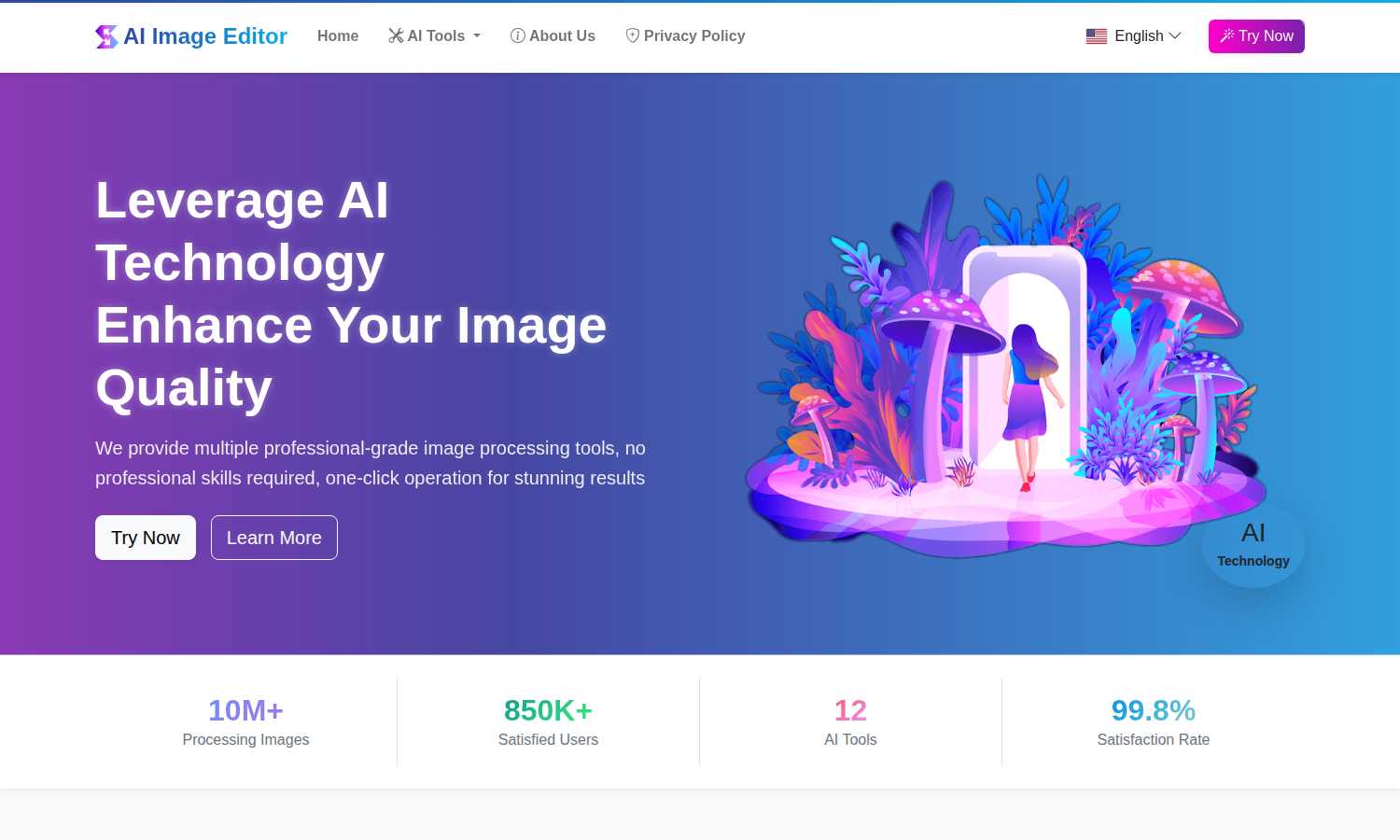
Transform any image instantly with a suite of free, professional AI editing tools for stunning results.
Last updated: March 1, 2026

MyImageUpscaler
MyImageUpscaler enhances and upscales your photos in seconds while preserving text clarity, with a free tier available.
Last updated: February 28, 2026
Visual Comparison
AI Image Editor
MyImageUpscaler

Feature Comparison
AI Image Editor
AI Image Enhancement
This powerful tool utilizes advanced AI algorithms to automatically analyze and improve the clarity, sharpness, and overall resolution of your images. It intelligently reduces noise, corrects blur, and enhances details, transforming low-quality or aged photographs into crisp, clear, and visually stunning pictures without requiring manual adjustment of complex parameters.
AI Object Remover
Effortlessly eliminate unwanted elements from any photograph with precision. The AI intelligently identifies objects, people, blemishes, or defects within the image and seamlessly removes them. It then expertly reconstructs the background by generating content that matches the surrounding textures, lighting, and patterns, leaving no trace of the original disturbance.
AI Background Remover & Generator
This dual-functionality feature automatically and accurately detects the primary subject in an image, separating it from its background to create a clean, transparent PNG. Furthermore, it allows you to instantly replace the removed background with a vast selection of new scenes, solid colors, or even your own custom images, perfect for product photography and creative compositions.
AI Style Transfer
Unleash artistic creativity by transforming ordinary photos into extraordinary artworks. This feature applies the stylistic elements of famous art movements—such as oil painting, watercolor, or sketch—or the characteristic techniques of specific artists onto your uploaded images, generating unique, visually captivating results that blend your content with new aesthetic forms.
MyImageUpscaler
Advanced Detail Preservation
MyImageUpscaler utilizes sophisticated AI algorithms to ensure that the fine details of your images are preserved during the upscaling process. This feature is crucial for maintaining the visual quality of images, whether they are product photos, marketing materials, or artistic creations.
Fast Processing Time
Experience rapid results with MyImageUpscaler, which processes images in under 10 seconds. This speed is essential for professionals who need quick turnaround times without compromising on quality, enabling them to enhance multiple images efficiently.
Flexible Upscaling Options
Choose from 2x or 4x upscaling options to meet your specific needs. This flexibility allows users to select the appropriate enhancement level based on the intended use of the images, whether for online listings, social media posts, or high-resolution prints.
Batch Processing Capabilities
MyImageUpscaler supports batch processing for up to 500 images at a time. This feature is particularly beneficial for businesses and content creators who need to process large volumes of images, saving time and effort while ensuring consistent quality across all visuals.
Use Cases
AI Image Editor
E-commerce Product Listing Optimization
Online sellers can drastically streamline their workflow by using the AI Background Remover to instantly create professional, transparent-background images of their products. This ensures a clean, consistent, and polished appearance across all marketplace listings, enhancing product appeal and saving countless hours previously spent on manual photo editing.
Restoration and Enhancement of Personal Photographs
Individuals and families can preserve precious memories by restoring old, faded, or damaged photographs. The AI Image Enhancement tool can sharpen blurry images and improve quality, while the Object Remover can eliminate scratches, stains, or unwanted photobombers, allowing cherished moments to be revived and shared in their best possible light.
Creative Content Creation for Social Media and Marketing
Content creators, marketers, and social media managers can rapidly produce eye-catching visuals. They can use Style Transfer to create unique artistic posts, employ Text Replacement to update messaging in graphics, or utilize the Background Generator to place subjects in engaging, context-appropriate settings, all without needing design software expertise.
Professional Design and Artistic Workflow Augmentation
Graphic designers and digital artists can integrate the platform into their professional toolkit to expedite tedious tasks. The Line Art Extraction feature provides perfect outlines from reference photos for illustrations, while Region Replace allows for efficient, non-destructive editing of specific image areas, significantly accelerating project completion times.
MyImageUpscaler
E-commerce Sellers
E-commerce sellers can significantly benefit from MyImageUpscaler by enhancing product images, making them more appealing to potential customers. High-quality visuals contribute to better sales conversions and improved customer trust.
Content Creators
Social media influencers and content creators can use MyImageUpscaler to resize and enhance their images for various platforms, such as Instagram and TikTok. This ensures that their content stands out, driving engagement and followers.
Real Estate Agents
Real estate agents preparing MLS listings can utilize MyImageUpscaler to upscale property images, making them more attractive to prospective buyers. High-resolution images can lead to quicker sales and better client satisfaction.
Photographers
Professional photographers can leverage MyImageUpscaler to process large batches of images efficiently. By upscaling their portfolio images, they can present sharper and more detailed work to clients, enhancing their professional appeal.
Overview
About AI Image Editor
AI Image Editor stands as a transformative force in the digital creative landscape, fundamentally redefining how individuals and professionals approach image manipulation. This comprehensive, web-based platform harnesses the sophisticated power of artificial intelligence to deliver a suite of 12 distinct, professional-grade editing tools through an astonishingly simple interface. It is engineered for a universal audience, effectively dismantling the technical and financial barriers that have long separated casual users from high-end editing capabilities. Whether you are a photographer aiming to restore historical snapshots, an e-commerce entrepreneur requiring flawless product visuals, a social media creator crafting engaging content, or a professional designer seeking efficient solutions, this tool is designed to meet and exceed your needs. Its core philosophy is one of powerful simplicity: complex tasks like intelligently removing objects, generating new backgrounds, enhancing resolution, or transferring artistic styles are executed with intuitive, often one-click operations. Remarkably, all these advanced capabilities are offered entirely free of charge, with no subscriptions, watermarks, or tiered plans, democratizing access to top-tier visual editing. Having already processed over 10 million images for more than 850,000 satisfied users globally, AI Image Editor proves itself as a reliable, effective, and indispensable asset that saves significant time and effort in any image editing workflow.
About MyImageUpscaler
MyImageUpscaler is a cutting-edge, AI-driven platform designed to enhance and upscale images, catering specifically to the needs of businesses and content creators. With the ability to upscale images by 2x to 4x, MyImageUpscaler ensures that the integrity of your visuals is maintained, preserving sharpness and enhancing intricate details that can make a significant difference in marketing and presentation. The platform is ideal for e-commerce sellers looking to present high-quality product images, real estate agents preparing stunning MLS listings, photographers who require batch processing capabilities, and content creators who need to resize images for various social media platforms. MyImageUpscaler streamlines the image enhancement process, delivering results in under 10 seconds and allowing users to focus on what truly matters: creating engaging content. With a free tier that offers 10 credits without requiring a credit card, MyImageUpscaler invites users to upscale smarter, not harder, while making high-quality image enhancement accessible to all.
Frequently Asked Questions
AI Image Editor FAQ
Is AI Image Editor really free to use?
Yes, AI Image Editor is completely free to use. There are no subscription fees, no tiered premium plans, and no hidden costs. All 12 AI-powered tools are available for unlimited use without watermarks on your processed images, making professional-grade editing accessible to everyone.
What image formats are supported for upload and download?
The platform supports uploading images in common formats including JPG, PNG, and WebP, with a maximum file size of 10MB per image. Processed images are typically available for download in high-quality PNG or JPG formats, ensuring compatibility with most uses.
How does the AI ensure the privacy of my uploaded images?
AI Image Editor takes user privacy seriously. Uploaded images are processed securely for the sole purpose of applying the selected AI tool. The platform's Privacy Policy outlines data handling practices, and images are not stored longer than necessary to provide the service, ensuring your content remains confidential.
Do I need any prior photo editing experience to use this tool?
No prior experience is necessary. AI Image Editor is designed with a user-friendly, three-step process: upload, select tool, and download. The AI handles the complex editing tasks, so users of all skill levels can achieve professional results in minutes without learning complicated software interfaces.
MyImageUpscaler FAQ
What is MyImageUpscaler?
MyImageUpscaler is an AI-based platform that enhances and upscales images by 2x to 4x while preserving detail and sharpness, designed for businesses and content creators.
How fast can I expect results?
MyImageUpscaler processes images in under 10 seconds, allowing users to receive quick results even when working with multiple images.
Is there a free tier available?
Yes, MyImageUpscaler offers a free tier that includes 10 credits for users to try the service without the need for a credit card, making it accessible for anyone to start using.
Can I process multiple images at once?
Absolutely. MyImageUpscaler allows batch processing for up to 500 images, making it ideal for businesses and individuals who need to enhance large volumes of photos efficiently.
Alternatives
AI Image Editor Alternatives
AI Image Editor is a comprehensive, free platform within the content creation and digital design category. It utilizes artificial intelligence to provide a suite of professional-grade editing tools, making advanced image manipulation accessible to everyone from casual users to professionals without the need for complex software knowledge. Users often explore alternatives for a variety of reasons. While some may seek specialized features beyond a core set of tools, others might require offline functionality, integration with specific creative suites, or different commercial licensing terms. The search for the right tool is a natural part of finding the perfect fit for one's unique workflow and project demands. When evaluating alternatives, it is crucial to consider your primary use case, desired feature set, and budget. Key factors include the depth of AI capabilities, ease of use, output quality, file format support, and the overall value proposition, whether it is a one-time purchase, a subscription model, or a freemium service. The ideal choice balances powerful functionality with an intuitive interface that aligns with your creative goals.
MyImageUpscaler Alternatives
MyImageUpscaler is an AI-powered image enhancement platform designed to upscale and enhance photos quickly and efficiently. It caters to a wide range of users, including businesses, content creators, and photographers, by providing advanced features that significantly improve image quality. However, users often seek alternatives for various reasons, such as pricing structures, specific feature sets, or compatibility with different platforms. When searching for an alternative, it’s essential to consider factors such as the quality of image enhancement, processing speed, user interface, batch processing capabilities, and the range of features offered. Additionally, understanding the pricing model and any potential limitations can help ensure that users find a solution that best meets their needs.