
Claude Fast vs Prompt Builder
Side-by-side comparison to help you choose the right tool.

Claude Fast
Claude Fast empowers developers with advanced context and smart agents, streamlining workflows for effortless coding.
Last updated: March 1, 2026

Prompt Builder
Generate, optimize, test, and manage AI prompts in one place. Turn an idea into a ready-to-use prompt in seconds.
Visual Comparison
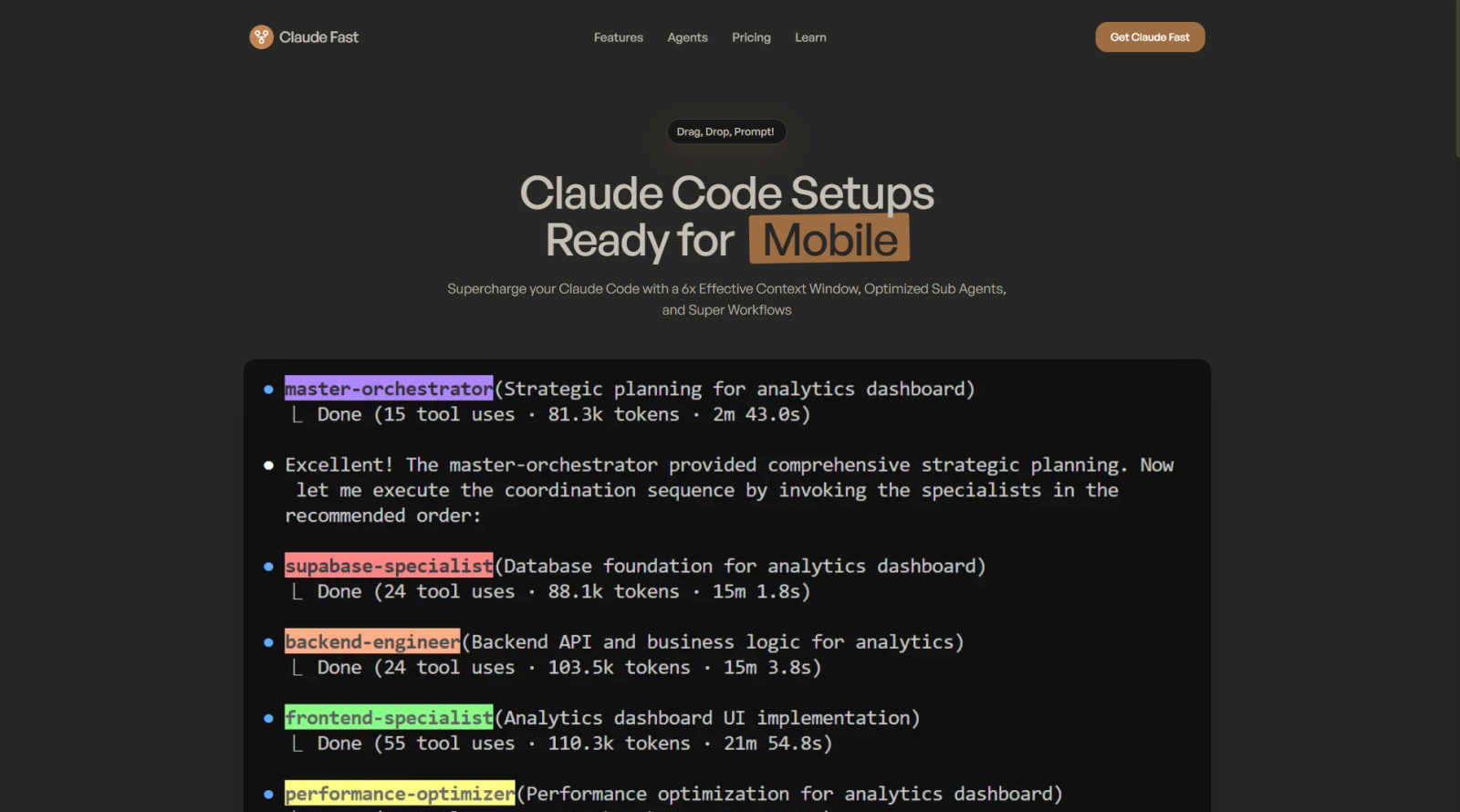
Claude Fast
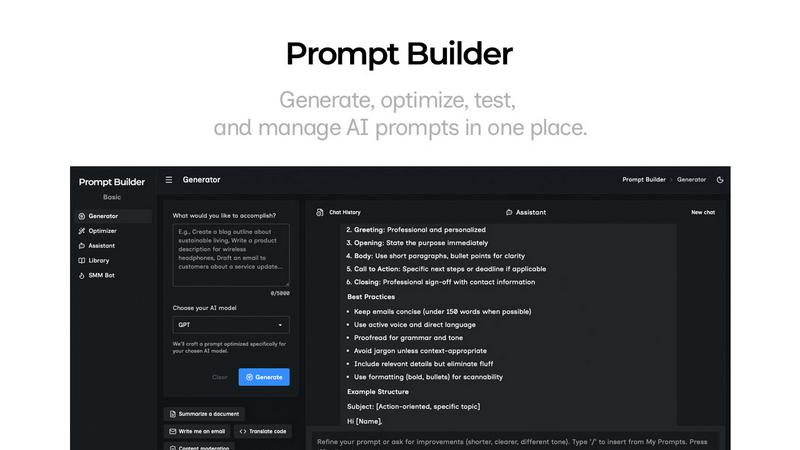
Prompt Builder
Overview
About Claude Fast
Claude Fast is an innovative development tool that is set to transform how developers engage with Claude Code. By utilizing an advanced orchestration of 11 specialized AI agents, Claude Fast optimizes workflow efficiency and productivity. It takes advantage of the native task management features of Claude Code, achieving an impressive 6x effective context window. This allows developers, entrepreneurs, and businesses to harness the true power of AI in their operations. Claude Fast is particularly beneficial for those seeking to streamline coding practices, as it creates an intelligent and synchronized development experience. By featuring intelligent agent orchestration and shared session memory, users can enhance their development processes, manage tasks more effectively, and retain context throughout multiple sessions. Whether you are focused on building applications or conducting research, Claude Fast equips teams and individuals to unleash their creative potential and significantly speed up their development cycles.
About Prompt Builder
Prompt Builder is a prompt engineering workspace for writing, testing, and saving prompts. Describe the task in plain English, and it helps you create a prompt that matches the model you choose. Start with a draft, refine it in chat, save or pin versions, then run them when you are ready. It works with GPT, Claude, Gemini, Llama, Mistral, DeepSeek, Grok, Perplexity, and more. You also get an Optimizer, an assistant for quick tests, and a library of reusable prompts and templates from the community. Turn an idea into a ready-to-use prompt in seconds. Refine it in chat, save it to your Library, and run it anytime.