
AI Image Editor vs Seedream 5.0 AI
Side-by-side comparison to help you choose the right tool.

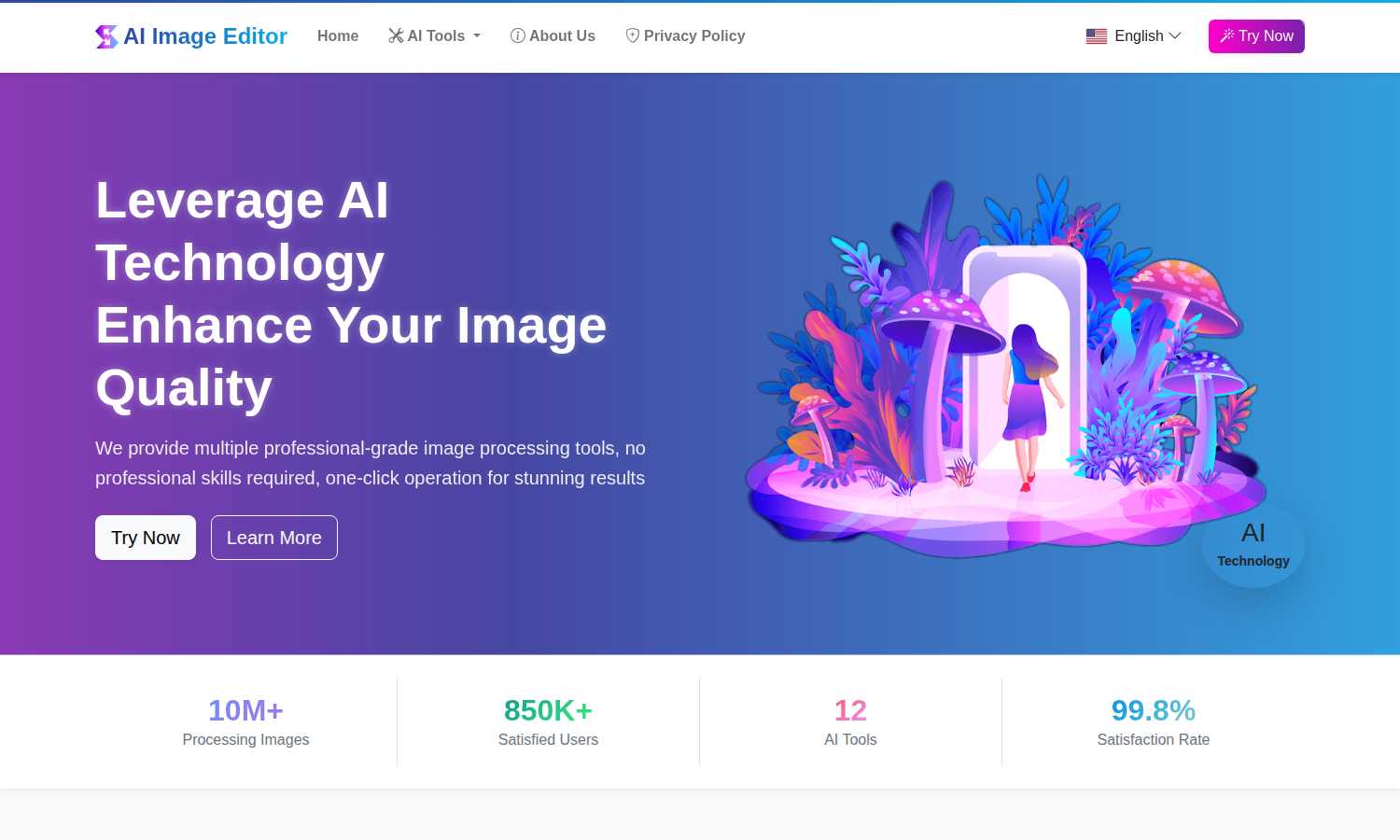
AI Image Editor
Transform any image instantly with a suite of free, professional AI editing tools for stunning results.
Last updated: March 1, 2026

Seedream 5.0 AI
Seedream 5.0 AI generates stunning 2K images and cinematic videos directly from your text descriptions.
Last updated: February 28, 2026
Visual Comparison
AI Image Editor
Seedream 5.0 AI

Feature Comparison
AI Image Editor
AI Image Enhancement
This powerful tool utilizes advanced AI algorithms to automatically analyze and improve the clarity, sharpness, and overall resolution of your images. It intelligently reduces noise, corrects blur, and enhances details, transforming low-quality or aged photographs into crisp, clear, and visually stunning pictures without requiring manual adjustment of complex parameters.
AI Object Remover
Effortlessly eliminate unwanted elements from any photograph with precision. The AI intelligently identifies objects, people, blemishes, or defects within the image and seamlessly removes them. It then expertly reconstructs the background by generating content that matches the surrounding textures, lighting, and patterns, leaving no trace of the original disturbance.
AI Background Remover & Generator
This dual-functionality feature automatically and accurately detects the primary subject in an image, separating it from its background to create a clean, transparent PNG. Furthermore, it allows you to instantly replace the removed background with a vast selection of new scenes, solid colors, or even your own custom images, perfect for product photography and creative compositions.
AI Style Transfer
Unleash artistic creativity by transforming ordinary photos into extraordinary artworks. This feature applies the stylistic elements of famous art movements—such as oil painting, watercolor, or sketch—or the characteristic techniques of specific artists onto your uploaded images, generating unique, visually captivating results that blend your content with new aesthetic forms.
Seedream 5.0 AI
Ultra-High-Fidelity 2K Image Generation
Seedream 5.0 AI generates stunning images at a professional 2048x2048 resolution, delivering photography-grade detail. This includes exceptionally realistic skin textures, intricate fabric details, and accurate light reflections that rival the output of high-end camera equipment, ensuring every creation is ready for commercial use and large-format display.
Advanced Multi-Subject Scene Composition
The model excels at interpreting complex prompts to compose scenes with three or more distinct subjects. It meticulously preserves individual attributes, spatial relationships, and natural interactions between elements within a single image, enabling the creation of detailed narrative scenes and complex visual arrangements with precision.
Native Style Control and Versatility
Users have direct control over the visual aesthetic of their generated content. Seedream 5.0 AI supports a wide array of native styles including photorealism, anime, cyberpunk, watercolor, oil painting, and 3D rendering. This style can be effortlessly dictated through text prompts or by using a reference image, providing immense creative flexibility.
Cinematic Video Generation with Seedance 2.0
Beyond static images, the platform integrates Seedance 2.0 for multimodal video generation. It produces cinematic-quality videos from text or image prompts, complete with synchronized audio. Supporting durations from three to fifteen seconds, it enables creators to easily produce short-form video content for social media, presentations, and creative projects.
Use Cases
AI Image Editor
E-commerce Product Listing Optimization
Online sellers can drastically streamline their workflow by using the AI Background Remover to instantly create professional, transparent-background images of their products. This ensures a clean, consistent, and polished appearance across all marketplace listings, enhancing product appeal and saving countless hours previously spent on manual photo editing.
Restoration and Enhancement of Personal Photographs
Individuals and families can preserve precious memories by restoring old, faded, or damaged photographs. The AI Image Enhancement tool can sharpen blurry images and improve quality, while the Object Remover can eliminate scratches, stains, or unwanted photobombers, allowing cherished moments to be revived and shared in their best possible light.
Creative Content Creation for Social Media and Marketing
Content creators, marketers, and social media managers can rapidly produce eye-catching visuals. They can use Style Transfer to create unique artistic posts, employ Text Replacement to update messaging in graphics, or utilize the Background Generator to place subjects in engaging, context-appropriate settings, all without needing design software expertise.
Professional Design and Artistic Workflow Augmentation
Graphic designers and digital artists can integrate the platform into their professional toolkit to expedite tedious tasks. The Line Art Extraction feature provides perfect outlines from reference photos for illustrations, while Region Replace allows for efficient, non-destructive editing of specific image areas, significantly accelerating project completion times.
Seedream 5.0 AI
Marketing and Advertising Content Creation
Marketing teams and agencies can rapidly generate high-quality visual assets for campaigns, social media posts, and advertisements. The ability to produce photorealistic product shots, conceptual landscapes, and branded imagery from text descriptions drastically reduces photoshoot costs and accelerates time-to-market for visual content.
Concept Art and Digital Storyboarding
Artists, game developers, and filmmakers can use Seedream 5.0 AI to visualize concepts and iterate on ideas instantly. It is perfect for creating character designs, environment art, and detailed storyboard frames, allowing for rapid prototyping and exploration of creative directions during the pre-production phase of any project.
Professional Design and Illustration
Graphic designers and illustrators can leverage the tool to overcome creative blocks, generate base images for further refinement, or create complete artworks in specific styles like watercolor or cyberpunk. The image-to-image editing feature allows for quick modifications and style transfers on existing artwork using natural language commands.
Educational and Presentation Material
Educators, content creators, and professionals can generate custom, engaging visuals to enhance presentations, educational materials, and reports. Complex ideas can be visualized easily, making information more accessible and presentations more compelling without requiring specialized graphic design software or skills.
Overview
About AI Image Editor
AI Image Editor stands as a transformative force in the digital creative landscape, fundamentally redefining how individuals and professionals approach image manipulation. This comprehensive, web-based platform harnesses the sophisticated power of artificial intelligence to deliver a suite of 12 distinct, professional-grade editing tools through an astonishingly simple interface. It is engineered for a universal audience, effectively dismantling the technical and financial barriers that have long separated casual users from high-end editing capabilities. Whether you are a photographer aiming to restore historical snapshots, an e-commerce entrepreneur requiring flawless product visuals, a social media creator crafting engaging content, or a professional designer seeking efficient solutions, this tool is designed to meet and exceed your needs. Its core philosophy is one of powerful simplicity: complex tasks like intelligently removing objects, generating new backgrounds, enhancing resolution, or transferring artistic styles are executed with intuitive, often one-click operations. Remarkably, all these advanced capabilities are offered entirely free of charge, with no subscriptions, watermarks, or tiered plans, democratizing access to top-tier visual editing. Having already processed over 10 million images for more than 850,000 satisfied users globally, AI Image Editor proves itself as a reliable, effective, and indispensable asset that saves significant time and effort in any image editing workflow.
About Seedream 5.0 AI
Seedream 5.0 AI represents a monumental leap forward in the field of creative artificial intelligence, standing as a revolutionary fifth-generation diffusion transformer model. This cutting-edge platform is engineered to fundamentally redefine the process of image and video generation, transforming simple text descriptions into breathtakingly realistic visual content. At its core, Seedream 5.0 AI empowers a vast spectrum of users, from individual creators and digital artists to professional designers and entire production teams, by providing them with the capability to produce studio-quality, high-resolution imagery and cinematic videos in a matter of seconds. Its primary value proposition lies in its unparalleled combination of ultra-high-fidelity 2K output, sophisticated prompt comprehension, and versatile creative control. By seamlessly integrating the advanced Seedream 5.0 image generator with the powerful Seedance 2.0 multimodal video generation system, this tool opens up unprecedented creative possibilities. It effectively bridges the gap between imagination and execution, allowing for the rapid prototyping of concepts, the creation of marketing assets, the development of artistic projects, and the production of engaging visual content without the need for extensive technical skill or expensive equipment. Seedream 5.0 AI is not merely a tool; it is a comprehensive creative partner designed to accelerate workflows and unlock new realms of visual storytelling.
Frequently Asked Questions
AI Image Editor FAQ
Is AI Image Editor really free to use?
Yes, AI Image Editor is completely free to use. There are no subscription fees, no tiered premium plans, and no hidden costs. All 12 AI-powered tools are available for unlimited use without watermarks on your processed images, making professional-grade editing accessible to everyone.
What image formats are supported for upload and download?
The platform supports uploading images in common formats including JPG, PNG, and WebP, with a maximum file size of 10MB per image. Processed images are typically available for download in high-quality PNG or JPG formats, ensuring compatibility with most uses.
How does the AI ensure the privacy of my uploaded images?
AI Image Editor takes user privacy seriously. Uploaded images are processed securely for the sole purpose of applying the selected AI tool. The platform's Privacy Policy outlines data handling practices, and images are not stored longer than necessary to provide the service, ensuring your content remains confidential.
Do I need any prior photo editing experience to use this tool?
No prior experience is necessary. AI Image Editor is designed with a user-friendly, three-step process: upload, select tool, and download. The AI handles the complex editing tasks, so users of all skill levels can achieve professional results in minutes without learning complicated software interfaces.
Seedream 5.0 AI FAQ
What is the resolution of images generated by Seedream 5.0 AI?
Seedream 5.0 AI generates images at an ultra-high-fidelity 2K resolution, specifically 2048x2048 pixels. This professional-grade resolution ensures exceptional detail, clarity, and quality suitable for large-format printing, digital displays, and commercial use cases.
Can I edit an existing image with Seedream 5.0 AI?
Yes, the platform features powerful image-to-image editing capabilities using natural language. You can upload an image and describe the edits you want, such as style transfer, object removal, background swaps, or detail alterations, and the AI will process your request to deliver a precisely modified result.
What styles can I generate images in?
Seedream 5.0 AI offers versatile native style control. You can generate images in a wide range of aesthetics including photorealism, anime, cyberpunk, watercolor, oil painting, and 3D rendering. These styles can be activated and controlled directly through your text prompt or by using a reference image as a guide.
Does Seedream 5.0 AI only create images?
No, Seedream 5.0 AI is a comprehensive platform that includes both image and video generation. It integrates the Seedance 2.0 multimodal video generator, allowing you to produce cinematic videos from text or image prompts, with synchronized audio and durations ranging from three to fifteen seconds.
Alternatives
AI Image Editor Alternatives
AI Image Editor is a comprehensive, free platform within the content creation and digital design category. It utilizes artificial intelligence to provide a suite of professional-grade editing tools, making advanced image manipulation accessible to everyone from casual users to professionals without the need for complex software knowledge. Users often explore alternatives for a variety of reasons. While some may seek specialized features beyond a core set of tools, others might require offline functionality, integration with specific creative suites, or different commercial licensing terms. The search for the right tool is a natural part of finding the perfect fit for one's unique workflow and project demands. When evaluating alternatives, it is crucial to consider your primary use case, desired feature set, and budget. Key factors include the depth of AI capabilities, ease of use, output quality, file format support, and the overall value proposition, whether it is a one-time purchase, a subscription model, or a freemium service. The ideal choice balances powerful functionality with an intuitive interface that aligns with your creative goals.
Seedream 5.0 AI Alternatives
Seedream 5.0 AI represents a significant leap in the field of AI-powered image generation. As a fifth-generation diffusion transformer model, it specializes in creating photorealistic 2K visuals directly from text descriptions, placing it firmly within the advanced tier of creative AI tools. Its ability to render intricate details and lifelike textures makes it a powerful asset for professionals seeking studio-quality output with speed and precision. Users often explore alternatives for a variety of practical reasons. While a tool may excel in one area, individual needs around cost, specific feature sets, integration with existing workflows, or platform accessibility can drive the search for other options. Some may prioritize different artistic styles, faster generation speeds, or more flexible licensing models beyond what a single solution offers. When evaluating other platforms in this competitive space, key considerations include the core output quality and resolution, the depth of prompt understanding, the range of controllable parameters, and the overall user experience. The ideal choice balances raw generative power with a workflow that aligns seamlessly with your creative process and project requirements, ensuring the tool is an enabler rather than a constraint.